Arch Linux · KDE Plasma 6 · Wayland
Arch, with the sharp edges filed off. A configured KDE Plasma 6 desktop on top of Arch, with a working installer, a Kernel Manager for CachyOS and other tuned kernels, an SCX tool for modern schedulers, and the in-house XeroLinux Toolkit for post-install setup.
▸ Quarterly Release▸ Kernel Manager / SCX Tool▸ Online vs Offline Install▸ Your Machine / Your Decision▸ XeroLinux in-house Tools▸ Package Manager G.U.I// Support jar · Ko-fi 81% Maintenance/Survival ~/tools/xpackagemanager xPackageManager >_
Flagship · System
xPackageManager pacman and Flatpak in one native window, written in Rust.
▸ Install, update and remove from one place ▸ Built-in repair tools ▸ One-click pacman rollback On XeroLinux
sudo pacman -Syy xpm-gui Copy Look & Feel
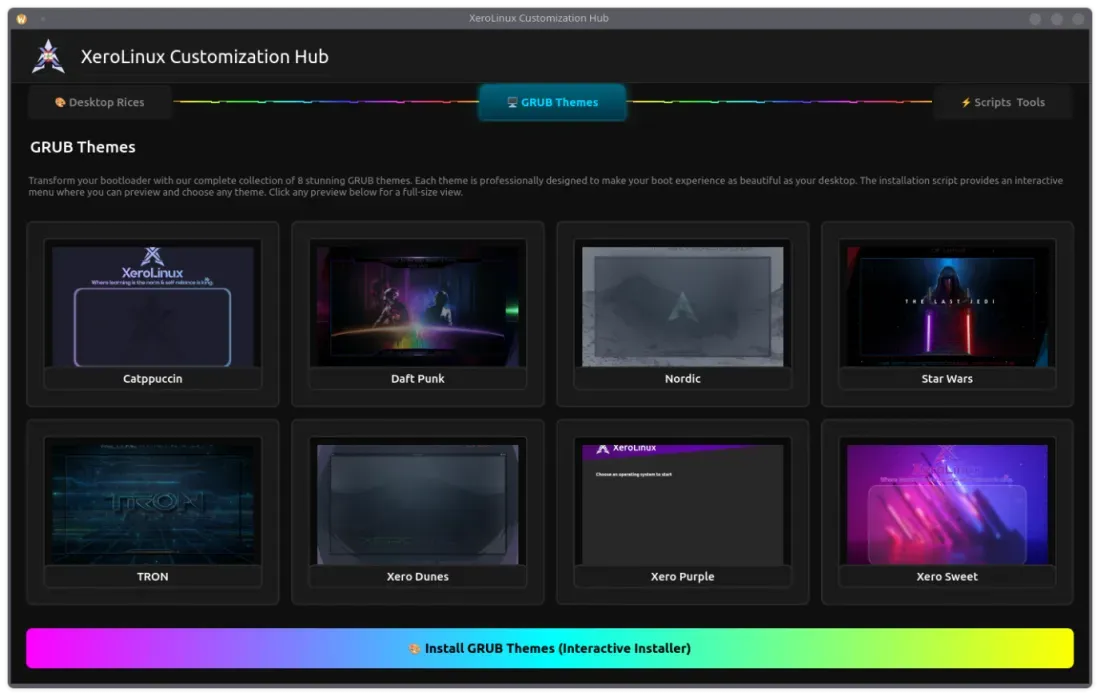
Customization Hub Every XeroLinux theme, rice and script in one app, on any Arch-based system.
▸ Desktop rices and layouts ▸ 8 GRUB themes ▸ System scripts and tools Needs python-pyqt6, then run
curl -fsSL https://xerolinux.xyz/script/xero-tool.py | python3 Copy System
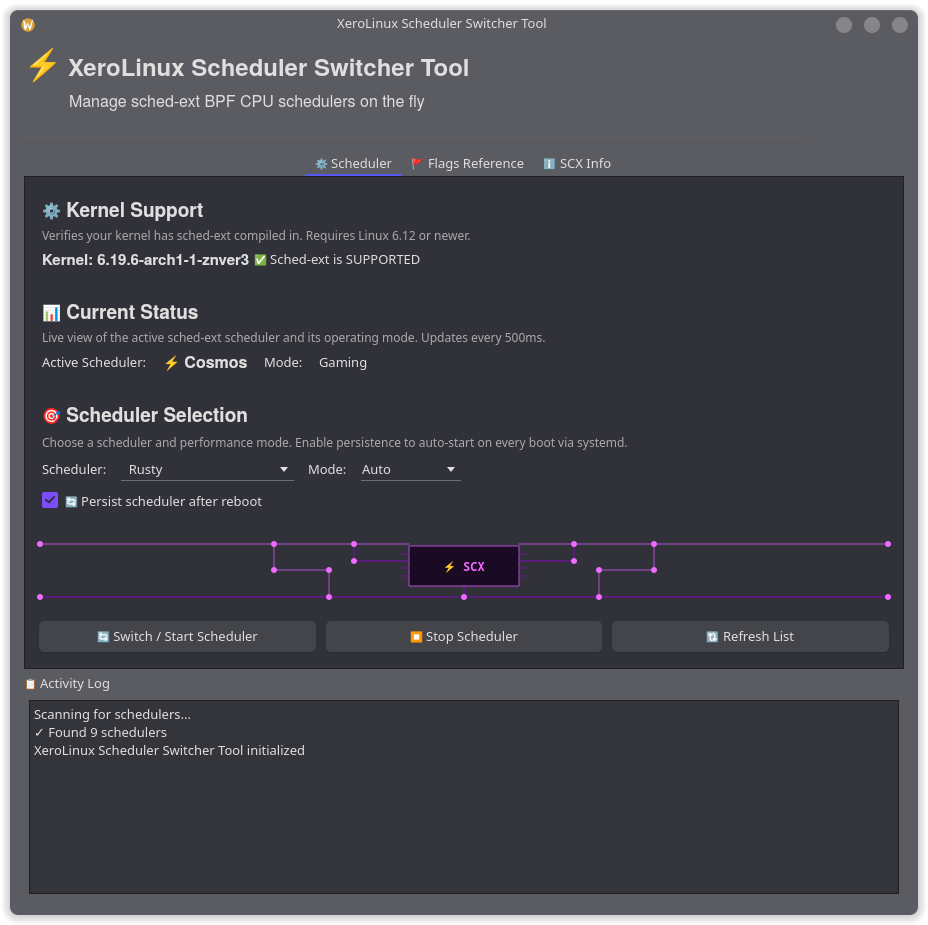
Scheduler Tool Switch sched-ext CPU schedulers on the fly from a GUI.
▸ Live scheduler switching ▸ Auto, gaming, lowlatency and powersave modes ▸ Optional auto-start on boot Needs scx-scheds and scx-tools, then run
curl -fsSL https://urls.xerolinux.xyz/SCXTool | python3 Copy Apps
iBackup/Restore Back up and restore iPhone and iPad on Linux.
▸ Full and encrypted backups ▸ Browse photos and documents ▸ iOS updates and recovery Needs usbmuxd, then run the AppImage
sudo pacman -S usbmuxd Copy Apps
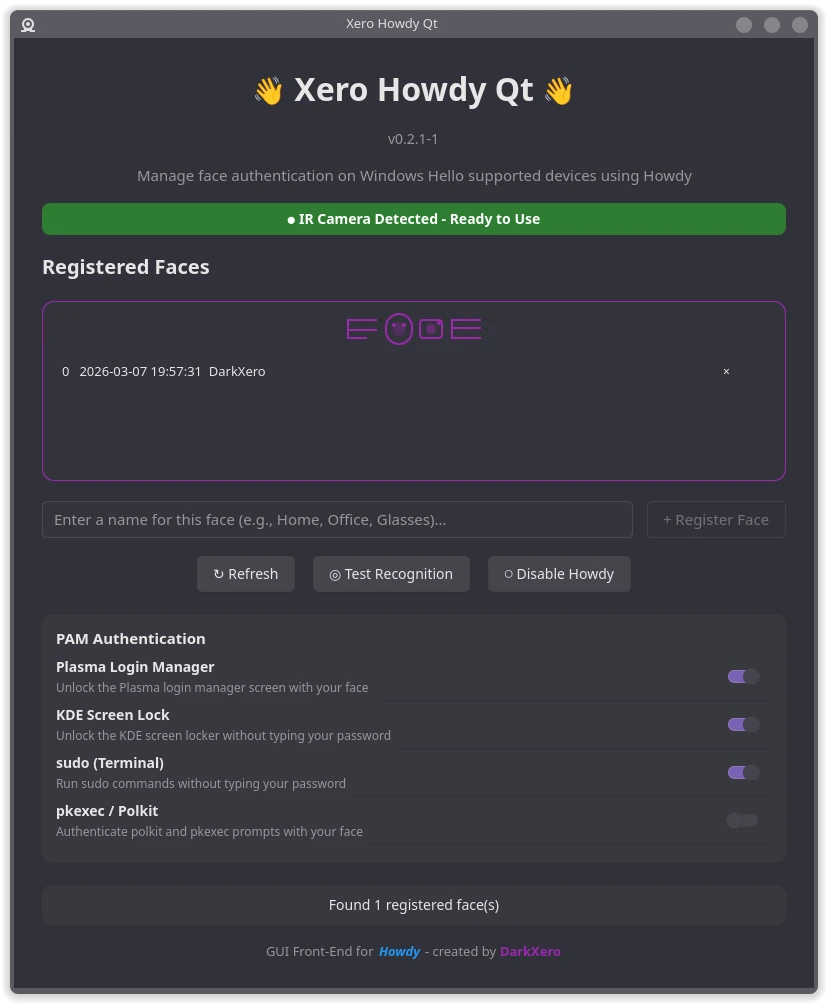
Howdy-Qt Windows Hello style face login for Linux.
▸ Add and test face models ▸ SDDM and lock screen support ▸ Per-service face auth Build and install
git clone https://github.com/xerolinux/xero-howdy-qt
cd xero-howdy-qt/Packaging/ && makepkg -si
Copy System
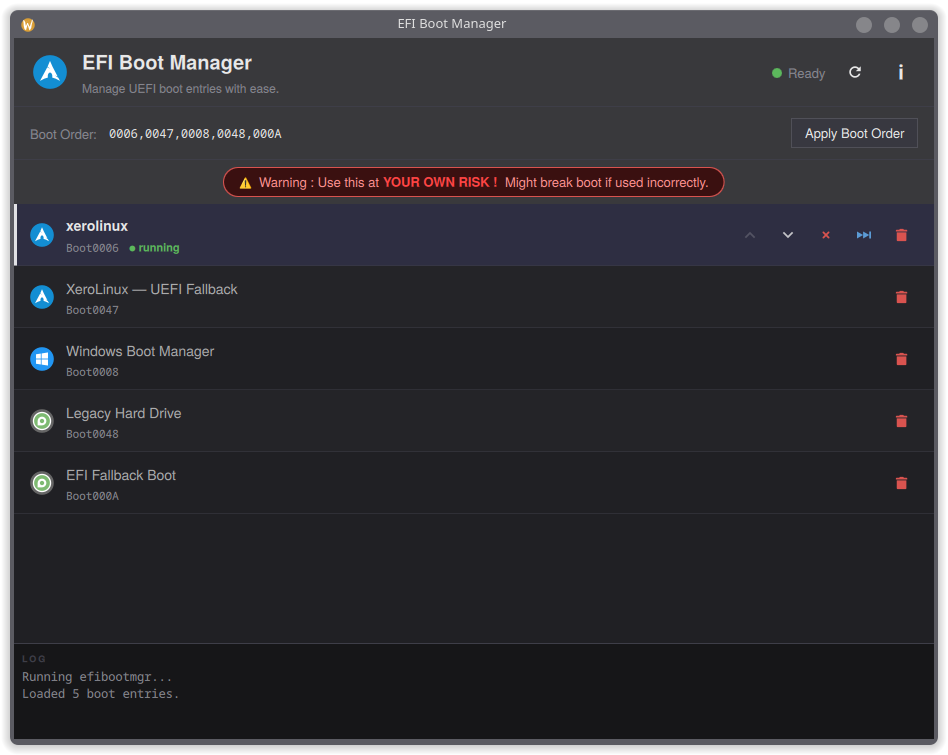
EFIBoot Manager Manage UEFI boot entries without a terminal. Use at your own risk.
▸ Reorder boot entries ▸ Enable, disable or delete entries ▸ Confirm before every change Build and install
git clone https://github.com/xerolinux/EfiBootGUI
cd EfiBootGUI/ && makepkg -si
Copy
Look & Feel
Wallpaper Browser Browse and download static and live wallpapers in one app.
▸ Six online sources ▸ Batch downloads ▸ Set wallpapers directly Build and install
git clone https://github.com/xerolinux/xero-wallpapers-gui
cd xero-wallpapers-gui/ && makepkg -si
Copy Apps
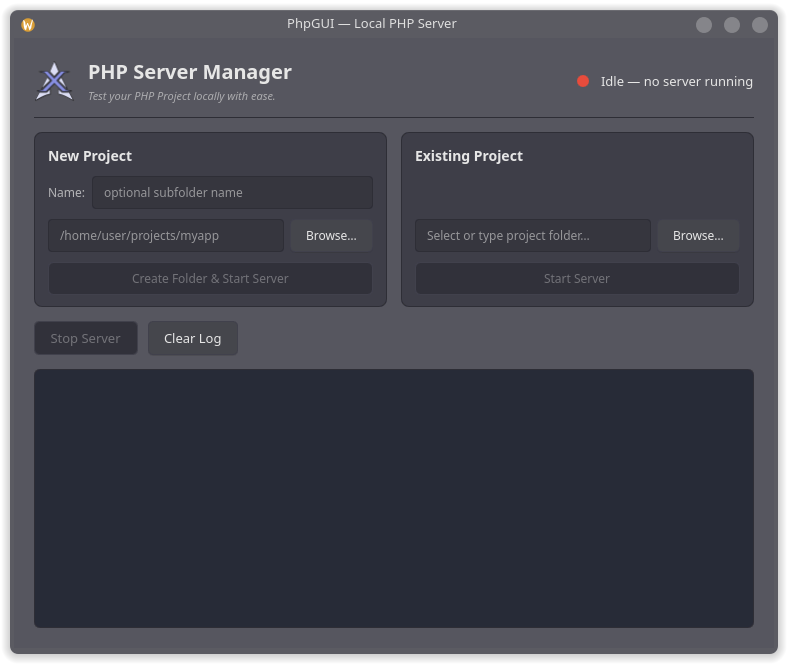
PHP Server GUI Start a local PHP dev server in one click.
▸ New or existing projects ▸ One-click php -S server ▸ Live server log Build and install
git clone https://github.com/xerolinux/phpgui
cd phpgui/packaging/ && makepkg -si
Copy Look & Feel
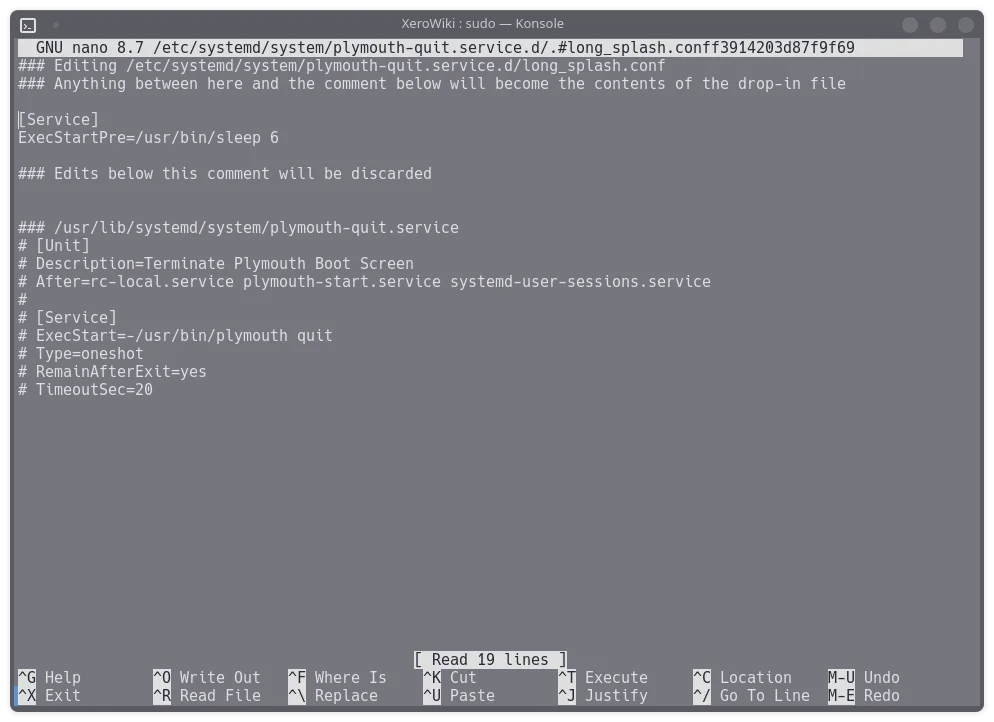
Plymouth Tips Slow down a boot splash that flashes by on fast NVMe drives.
▸ Under [Service] add: ExecStartPre=/usr/bin/sleep 6 ▸ Then run: sudo systemctl daemon-reload ▸ Change the 6 to suit your hardware Open a drop-in
sudo systemctl edit plymouth-quit.service --drop-in=long_splash.conf Copy Some tools are AI-assisted. All are tested before release. Use at your own discretion.