
XeroDora: a Fedora-side Weekend Project
 By DarkXero
· · 5 min read · – views · Filed: XeroLinuxDistroFedoraKDE
By DarkXero
· · 5 min read · – views · Filed: XeroLinuxDistroFedoraKDE 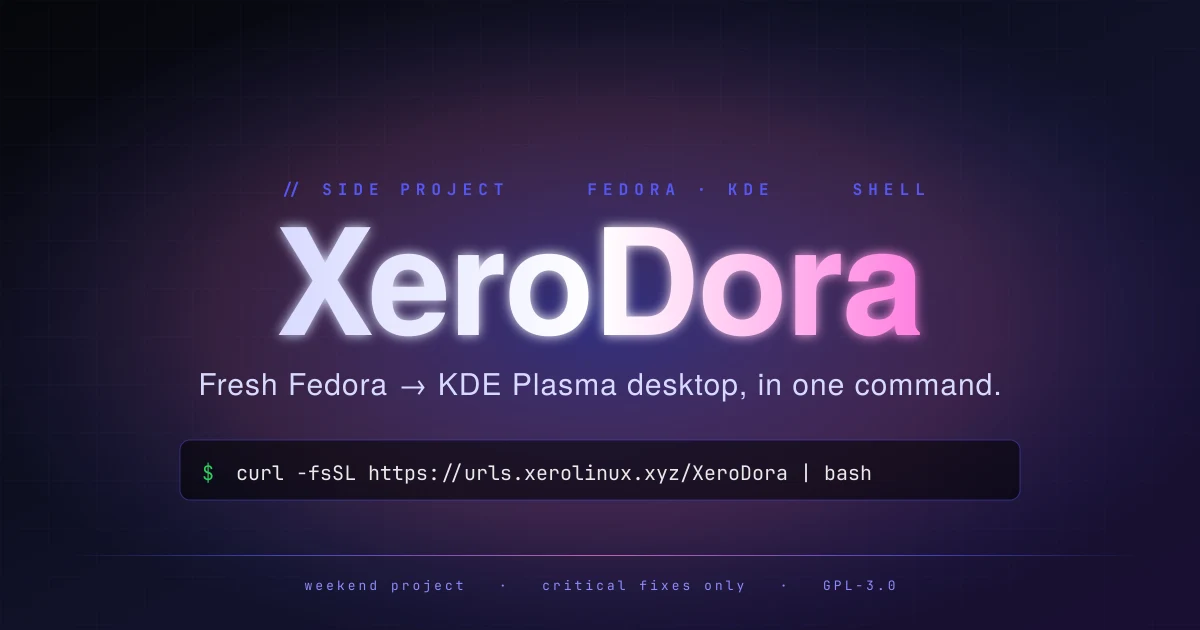
A side note from the XeroLinux HQ: there is a small Fedora-shaped thing living next to the main project. It is called XeroDora, and unless you spend your weekends polishing fresh installs, you may not have heard of it. This post exists so you have.
What XeroDora actually is
XeroDora is not a distro. It is not a respin, not an ISO, not a fork. It is one shell script.
You start with the official Fedora Everything ISO, do the smallest possible install (kernel + base system + a network stack), reboot into the TTY, log in, and run our script.
The script does the rest. When it finishes, you reboot once and land in a configured KDE Plasma desktop on top of vanilla Fedora. No extra layer between you and upstream. No XeroLinux repos, no XeroLinux kernel, no XeroLinux packaging tricks. Pure Fedora, just dressed up so you don’t have to do the dressing yourself.
Why this exists at all
The honest answer: XeroLinux is Arch. Always has been. Some of you reach out asking whether the same comfort can be had on a Fedora base, usually because Fedora’s release model fits your work pattern better, or your employer mandates RHEL-family systems, or you simply prefer dnf to pacman. XeroDora is the answer to that question, packaged as the smallest piece of software it can possibly be.
It is not “XeroLinux on Fedora”. It is “here is the post-install routine I would run on a fresh Fedora box, written down”.
What the script does
After the curl-pipe-bash, in order:
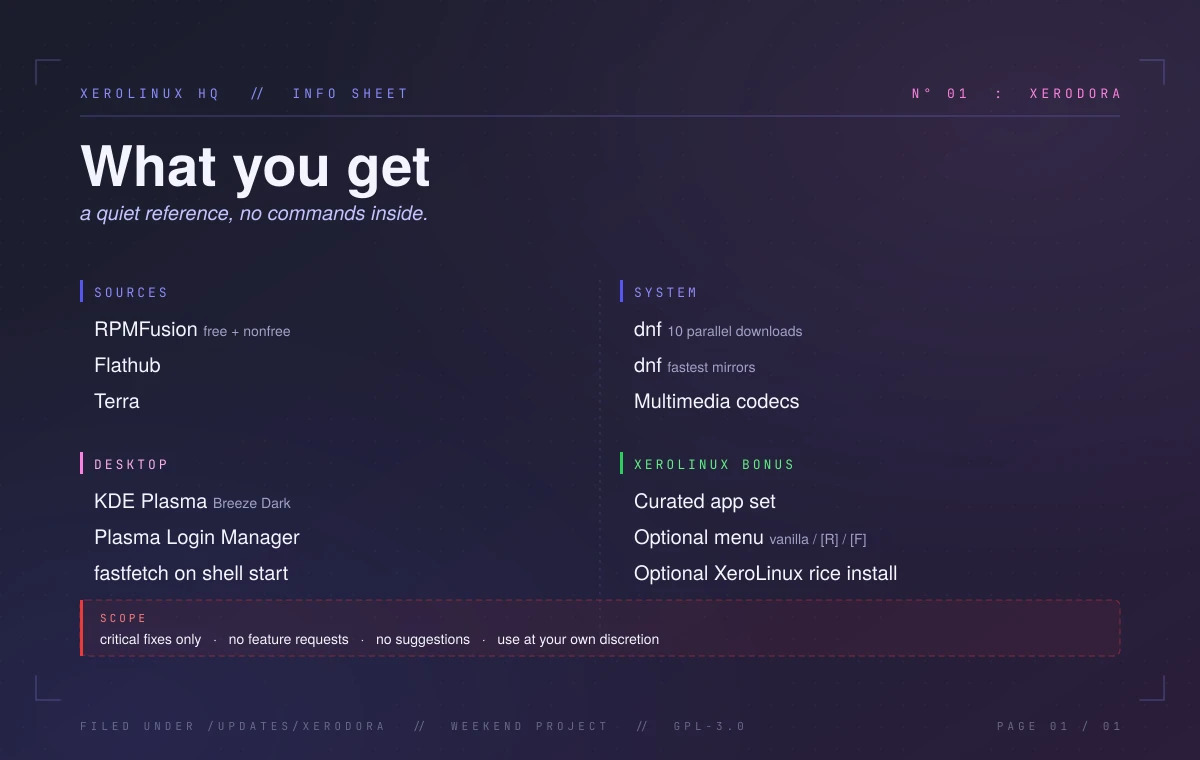
- Repos: enables RPMFusion (free + nonfree), Flathub, and Terra.
- Tuning: sets
dnfto 10 parallel downloads and fastest mirrors. - Codecs: installs the multimedia codec set that just works.
- Desktop: KDE Plasma with Breeze Dark.
- Shell: fastfetch on terminal start.
- Login: Plasma Login Manager.
- Apps: a curated set of useful tools out of the box.
- Optional menu: numbered, space-separated picks for extras.
- Optional rice: XeroLinux rice install at the very end.
The optional app menu uses three source tags so you always know where a package comes from:
- vanilla
- from Fedora or RPMFusion
- [R]
- official vendor repo: Brave, Vivaldi, LibreWolf, VSCodium
- [F]
- Flatpak from Flathub
Pick numbers space-separated, or press Enter to skip and stay lean.
When the script finishes, reboot with sudo systemctl reboot. If you opted into the optional XeroLinux rice menu at the end of the run, you land on this:
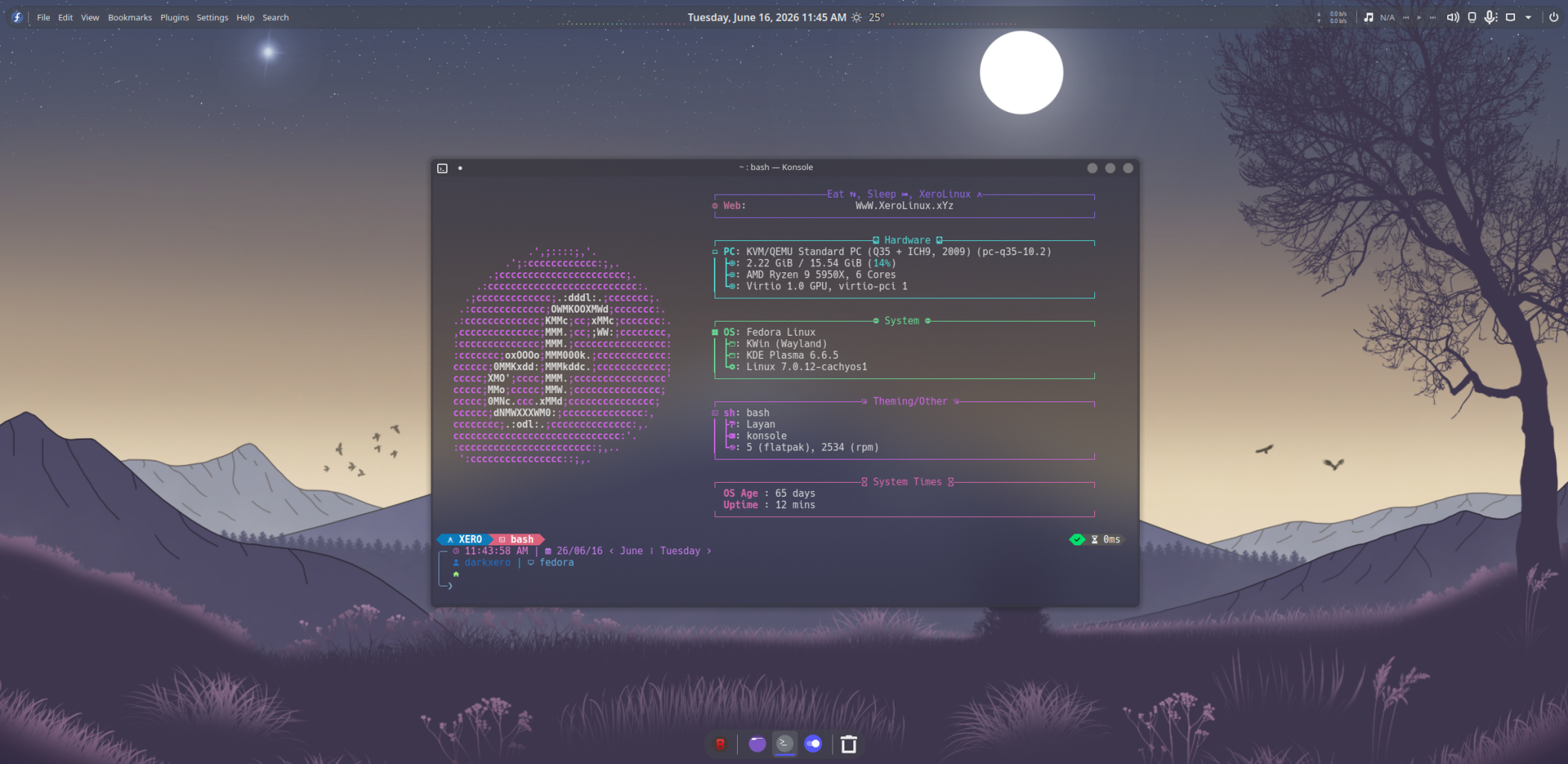
That is the whole user-facing surface.
Scope (please read this before opening anything)
This part is going to sound blunt because I would rather be blunt now than disappointing later.
XeroDora is a weekend project. It exists because the post-install dance on Fedora is the same every single time, and writing it down once was easier than typing it out for every person who asked. That is the entire story.
-
No
Feature requests. If something is missing from the menu, add it yourself in your own shell after the script finishes. That is the cleaner path anyway.
-
No
New suggestions for the script. It does what it does. The shape is intentional.
-
Only
Critical issues get fixed. If the script outright breaks against a current Fedora release, that gets fixed. Cosmetic, “I would prefer if it also did X”, or “can it support Y desktop too” do not qualify.
-
Risk
Use at your own discretion. It runs as root, touches package sources, installs codecs from a third-party repo. Read the script before piping it into bash if you are not already familiar with that pattern. The source is right there on the repo.
The main project, the XeroLinux ISO + T.U.I., is where my actual time goes. XeroDora gets the leftover hours. That is the deal.
When XeroDora is for you
Pick XeroDora if you already prefer Fedora (or your environment requires it), you want KDE Plasma configured but not visually re-skinned, and you are comfortable running a shell command on a fresh install and reading what it printed. You do not need ongoing handholding or a roadmap.
Pick the XeroLinux ISO (or the free T.U.I. installer) if you want a fully maintained, actively developed, Arch-based system with the in-house Toolkit, Kernel Manager, SCX tool, and Package Manager GUI, plus quarterly polished releases instead of a one-shot script.
Both can coexist. Some people run XeroLinux on the main rig and XeroDora on a Fedora work laptop. That is fine.
So: there it is. XeroDora. A Fedora detour for those who wanted one. Use it, ignore it, or fork it. All three are valid.
Instructions found on the XeroDora repo below.
// Comments [0]